Creative Prototyping: How to Convert Your Website Into a Testable App—Alternative Workflows for Non-Tech Owners
- nir
- August 7, 2026
- Marketing
- Marketing AI
- 0 Comments
Why Go Beyond Standard Website-to-App Converters?
Most website owners exploring mobile apps quickly discover a familiar set of tools: no-code builders, drag-and-drop platforms, and template-based converters. While these standard approaches are useful, they often limit creativity and flexibility—especially if you want to experiment, test, and refine your app idea before publishing. For non-technical owners, the process can feel overwhelming or risky, with upfront costs and uncertainty about the final result.
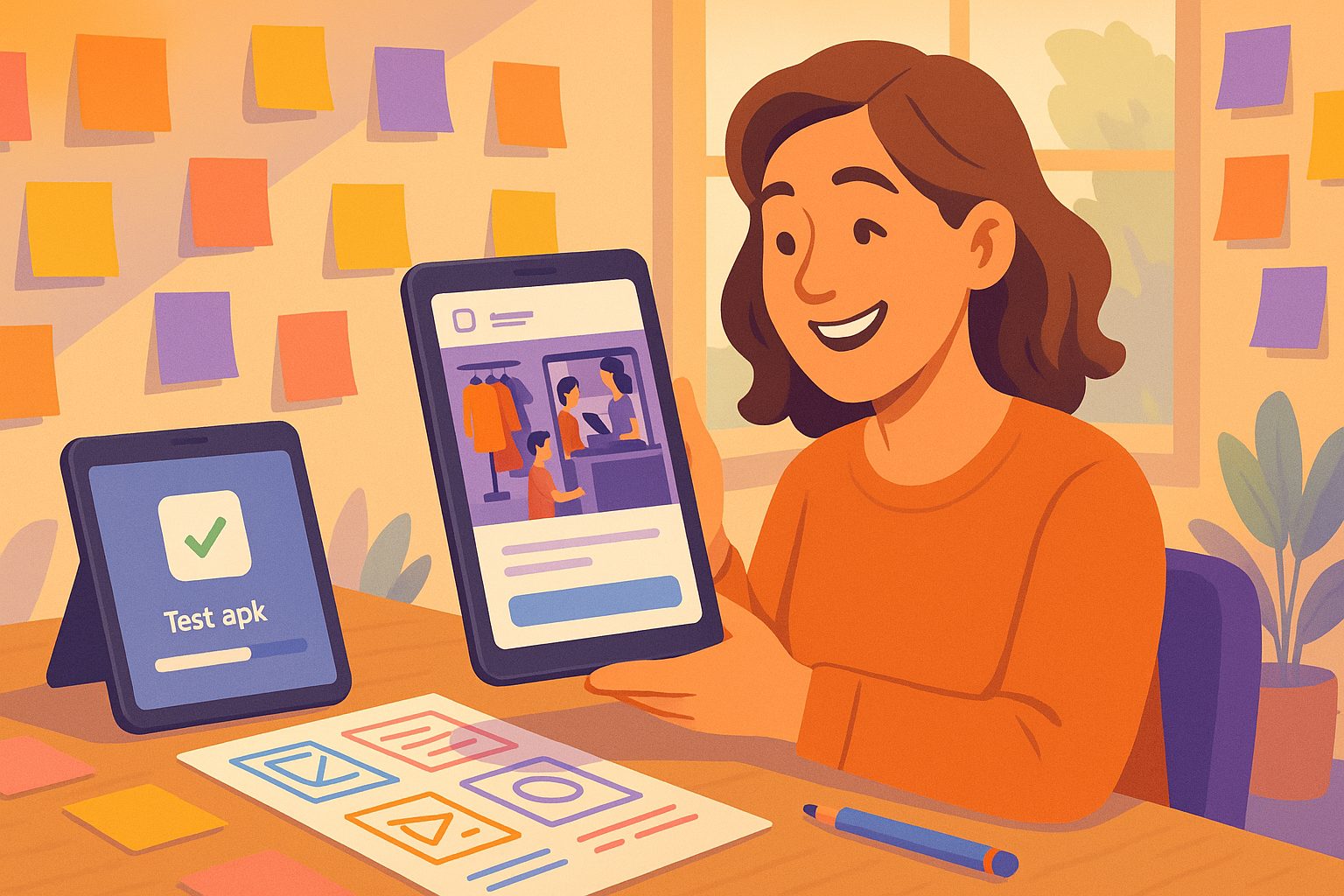
What if you could convert your website to an app using a more creative, owner-friendly workflow? Imagine being able to prototype, iterate, and validate your app concept—risk-free and without writing a single line of code.
The Power of Prototyping: Testing Your App Before You Commit
Prototyping is a proven strategy in product development, allowing you to test ideas, gather feedback, and make improvements before investing in a full launch. For website owners, this means:
- Seeing your site in a real app environment
- Experimenting with design and navigation
- Testing features like push notifications
- Getting feedback from users and stakeholders
With the right platform, you can do all this before paying for a premium plan or submitting your app to the stores. This alternative angle empowers non-technical owners to make informed decisions and avoid costly mistakes.
Step-by-Step: Creating a Free Test APK With Web2Application
Web2Application offers a unique, risk-free path for creative prototyping. Here’s how you can convert your website to an app and generate a test APK—no coding required:
- Sign Up Free: Visit Web2Application and create your account.
- Create Your App: Enter your website URL, choose your app name, and upload your icon and splash screen.
- Customize Design: Adjust colors, navigation, and menus to match your brand. No technical skills needed.
- Enable Features: Set up push notifications with Google Firebase (guided steps included), or connect your WordPress site for deeper integration.
- Request Test APK: From your app dashboard, request a free test APK. Download and install it on your Android device to experience your app in action.
This workflow lets you see exactly how your website will function as a mobile app—before committing to publishing or upgrading.
Creative Workflows: Iterating Design and Features Without Coding
One of the biggest advantages of Web2Application’s approach is the ability to experiment and iterate freely:
- Try different layouts: Adjust your app’s navigation, bottom tab bar, or splash screen as often as you like.
- Preview changes instantly: Generate new test APKs to see updates in real time on your device.
- Integrate with WordPress: Use the Web2Application plugin to sync content, products, or pages—ideal for WooCommerce stores or Elementor-built sites.
- Test push notifications: Set up Firebase to send real push messages, even in your prototype.
This hands-on, no-code workflow is perfect for non-tech owners who want to explore possibilities and perfect their app before launch.
How Non-Tech Owners Can Validate App Ideas Risk-Free
Traditional app development can feel risky—especially if you’re unsure what will work for your audience. With Web2Application’s free test APK and flexible dashboard, you can:
- Share the app with friends, team members, or early users for feedback
- Test navigation, design, and features in a real mobile environment
- Make unlimited changes and re-test as needed
- Decide when (or if) you’re ready to publish to Google Play or the App Store
This alternative, creative approach puts control in your hands—no coding, no upfront commitment, and no surprises.
Unlocking Push Notifications and Real App Features in Your Prototype
Many platforms limit what you can test in a free version. With Web2Application, you can enable and experiment with powerful features like:
- Push notifications: Set up Firebase and send messages directly from your dashboard
- Native navigation: Customize menus and tab bars for a true app experience
- Design tweaks: Change colors, icons, and splash screens to match your brand
- WordPress integration: Connect your site for dynamic content and product syncing
All these features are available to prototype and test—giving you a real sense of your app’s potential before you commit to publishing or upgrading.
What to Do Next: Moving From Prototype to Store-Ready App
Once you’re satisfied with your app prototype, moving to a store-ready version is simple:
- Upgrade to a Premium plan to unlock full features and submission support
- Request Android or iOS store submission from your dashboard (premium required)
- Follow guided steps to meet Google and Apple guidelines
- Promote your app and reach new users on the stores
Ready to start your creative app journey? Create Your App Free with Web2Application. Generate a test APK, experiment with real features, and explore Premium options with a 14-day trial—no coding or commitment required.
Frequently Asked Questions
Can I really test my app for free before publishing?
Yes! With Web2Application, you can create your app, customize its design, and generate a free test APK to install on your Android device. This lets you experience your app in action and make changes before deciding to publish or upgrade.
Do I need any coding skills to use Web2Application?
No coding is required. Web2Application is designed for non-technical website owners. You can set up, customize, and test your app using a simple dashboard and guided steps.
What features can I test in the free version?
You can test your app’s design, navigation, and even enable push notifications using Firebase. WordPress integration and content syncing are also available for prototyping. Some advanced features and store submission support require a Premium plan.
Can I iterate and make changes to my app prototype?
Absolutely. You can update your app’s design, features, and content as often as you like. Simply generate a new test APK each time to preview changes on your device.
How do I move from prototype to a published app?
Once you’re happy with your app, upgrade to a Premium plan on Web2Application. You’ll unlock store submission support and additional features, making it easy to publish your app to Google Play and the App Store.
Ready to turn your website into an app?
Create your Android and iOS app without coding. Start free, generate a test APK, and explore Premium features with a 14-day trial.