The Effortless Path: Instantly Turn Your Church Website Into a Feature-Rich Mobile App (No Rebuild, No Coding)
- nir
- August 20, 2026
- Marketing
- Marketing AI
- 0 Comments
Why Every Modern Church Needs a Mobile App (And Why Websites Alone Aren’t Enough)
In today’s connected world, church communities thrive on communication, engagement, and accessibility. While a website is essential for sharing information, it often falls short when it comes to real-time connection and personalized outreach. A dedicated mobile app bridges this gap, putting your church in the hands—and pockets—of your congregation.
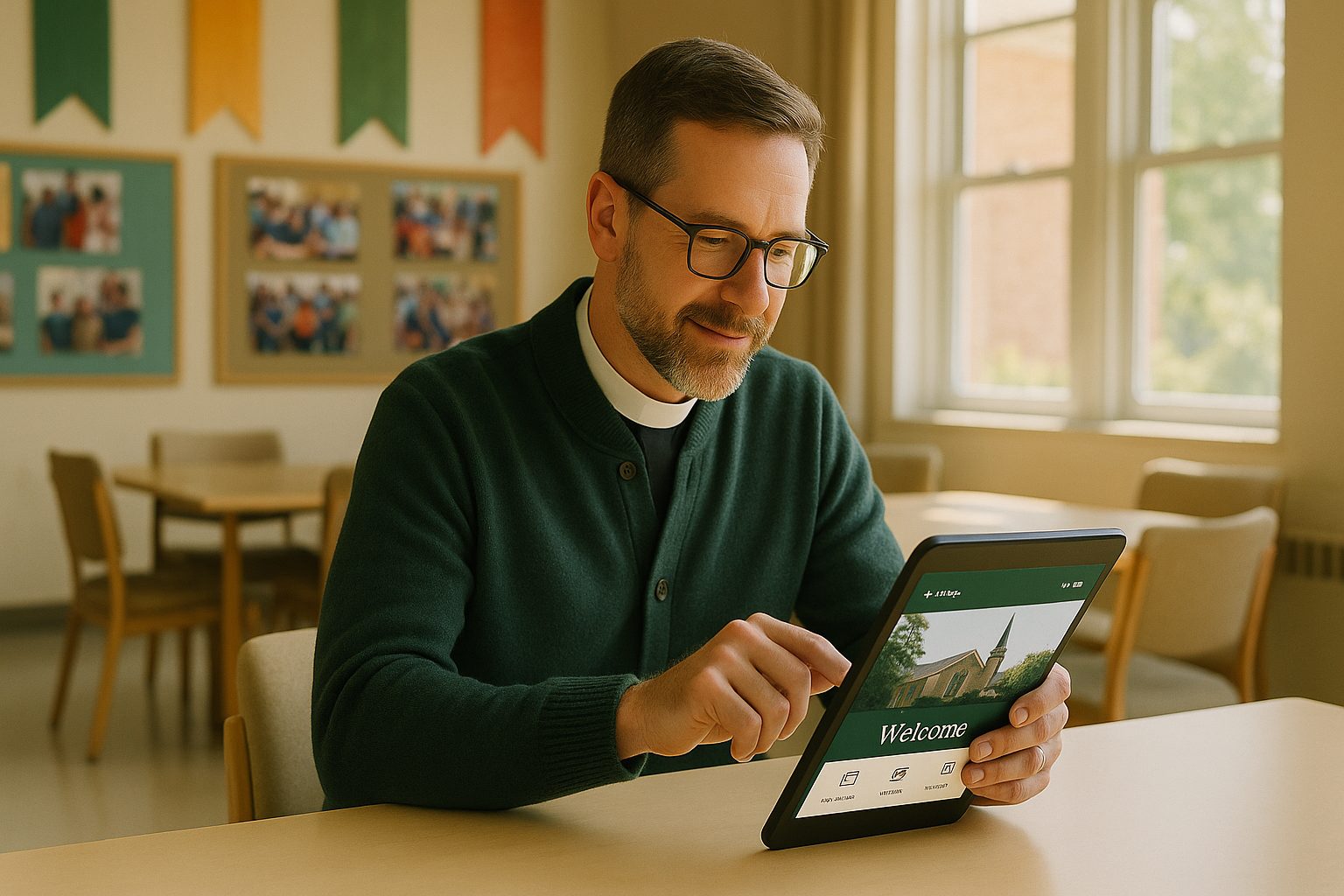
- Direct communication: Send instant push notifications for events, prayer requests, or urgent updates.
- Easy access: Members can quickly find sermons, calendars, and resources without searching through a website.
- Increased engagement: Mobile apps boost participation in events, volunteering, and giving.
But for many churches, the idea of building an app from scratch—hiring developers, learning new tools, or rebuilding content—feels overwhelming. That’s where a modern church app builder like Web2Application changes everything.
The Fastest Way to Create a Church App: Start With Your Existing Website
Most church app builders require you to start from zero: dragging and dropping content blocks, re-uploading sermons, and learning a new system. But what if you could instantly convert your existing church website into a hybrid mobile app with a native shell—with all your content, design, and features intact?
Web2Application specializes in website-to-app conversion, letting you:
- Skip the rebuild—your current website becomes your app’s foundation
- Maintain your familiar look, navigation, and branding
- Add mobile-native features like push notifications
This means less time spent on setup and more time serving your community.
Essential Features for Church Engagement—Built In, Not Bolted On
A great church app should do more than just display your website. With Web2Application, your app can include:
- Push notifications for events, new sermons, and prayer alerts
- Event calendars and reminders
- Sermon streaming (audio/video)
- Easy giving and donations
- Contact forms and prayer request submissions
- Member resources and private pages
- Custom branding and navigation menus
All these features are integrated—no need for extra plugins or coding.
Step-by-Step: How to Convert Your Church Website Into a hybrid App with a native shell With Web2Application
- Sign up at Web2Application. Create a free account and log in to your dashboard.
- Create a new app. Enter your church website URL and follow the prompts to set up your app.
- Customize your app’s icon and splash screen. Upload your church logo and select colors to match your branding.
- Configure navigation. Set up a bottom tab bar for quick access to sermons, events, giving, and more.
- Enable push notifications. Follow the simple Firebase setup to send instant updates to your congregation.
- Integrate with WordPress (if used). Install the Web2Application plugin for seamless content sync and advanced features.
- Test your app. Download the APK file and try your app on an Android device. Make adjustments as needed.
- Request app store submissions. Premium users can get help submitting to Google Play and Apple App Store.
Customizing Your Church App: Branding, Navigation, and Community Tools
Web2Application gives you full control over your app’s appearance and structure. Easily:
- Change icons, splash screens, and color themes
- Organize navigation tabs for sermons, events, groups, and resources
- Add custom pages for ministries, youth groups, or Bible studies
- Enable member-only sections for private content
No coding is required—just point, click, and publish.
How to Enable Push Notifications for Events, Sermons, and Announcements
Push notifications are a game-changer for church engagement. With Web2Application, you can:
- Send event reminders and last-minute changes
- Alert members when new sermons are available
- Share urgent prayer requests or announcements
Simply connect your app to Google Firebase (guided in the dashboard), and you’ll be able to send notifications directly from your Web2Application account—no technical expertise needed.
Testing, Launching, and Promoting Your New Church App
Before going live, test your app using the provided APK file. Invite staff or volunteers to try it out and gather feedback. Once you’re ready, Web2Application’s team can assist with app store submission, ensuring your app meets Google and Apple guidelines.
Promote your app on your website, in bulletins, and during services. Use smart download links to make it easy for members to install the app on their devices.
Frequently Asked Questions About Website-to-App Conversion for Churches
- Do I need to rebuild my website?
No. Web2Application converts your existing website into a mobile app instantly—no content rebuild needed. - Can I send push notifications?
Yes! Push notifications are included with premium plans and are easy to set up. - Will my app match my church’s branding?
Absolutely. You can customize icons, colors, and navigation to reflect your church’s identity. - Is coding required?
No coding or technical skills are needed. The process is designed for church staff and volunteers. - Can I test the app before publishing?
Yes. Download the APK to test your app on Android devices before submitting to app stores.
Ready to Build Your Church App? Start Instantly With Web2Application
Don’t let technical barriers hold your ministry back. With Web2Application, you can instantly transform your church website into a full-featured mobile app—no coding, no rebuilding, just effortless engagement for your congregation.
Sign up today and see how easy it is to bring your church community closer than ever with your own mobile app!
Related articles
Frequently Asked Questions
Do I need to rebuild my church website to create a mobile app?
No. With Web2Application, you can instantly convert your existing church website into a hybrid mobile app with a native shell—no content rebuild or coding required.
Can we send push notifications to our congregation?
Yes. Web2Application enables easy setup of push notifications for events, sermons, and announcements. Premium plans unlock this feature.
Will our church app match our branding and navigation?
Absolutely. You can customize your app's icon, splash screen, colors, and navigation tabs to reflect your church's identity.
Is any coding knowledge required to use Web2Application?
No coding or technical expertise is needed. The platform is designed for non-technical users, including church staff and volunteers.
Can we test the app before publishing it to the app stores?
Yes. Web2Application provides an APK file for Android testing, so you can review your app before submitting it to Google Play or the Apple App Store.
Ready to turn your site into an app?
Create your app with Web2Application — convert your website to Android and iOS apps.