The Best Way to Convert Your Website Into a Mobile App in 2024: Honest Comparison of All Methods (With Free Test APK Option)
- nir
- August 6, 2026
- Marketing
- Marketing AI
- 0 Comments
Why Convert Your Website Into a Mobile App? The Real Owner Benefits
In 2024, mobile usage dominates the digital landscape. If you own a website, turning it into a mobile app can unlock new growth, stronger engagement, and a direct channel to your audience. Here’s why website owners are making the move:
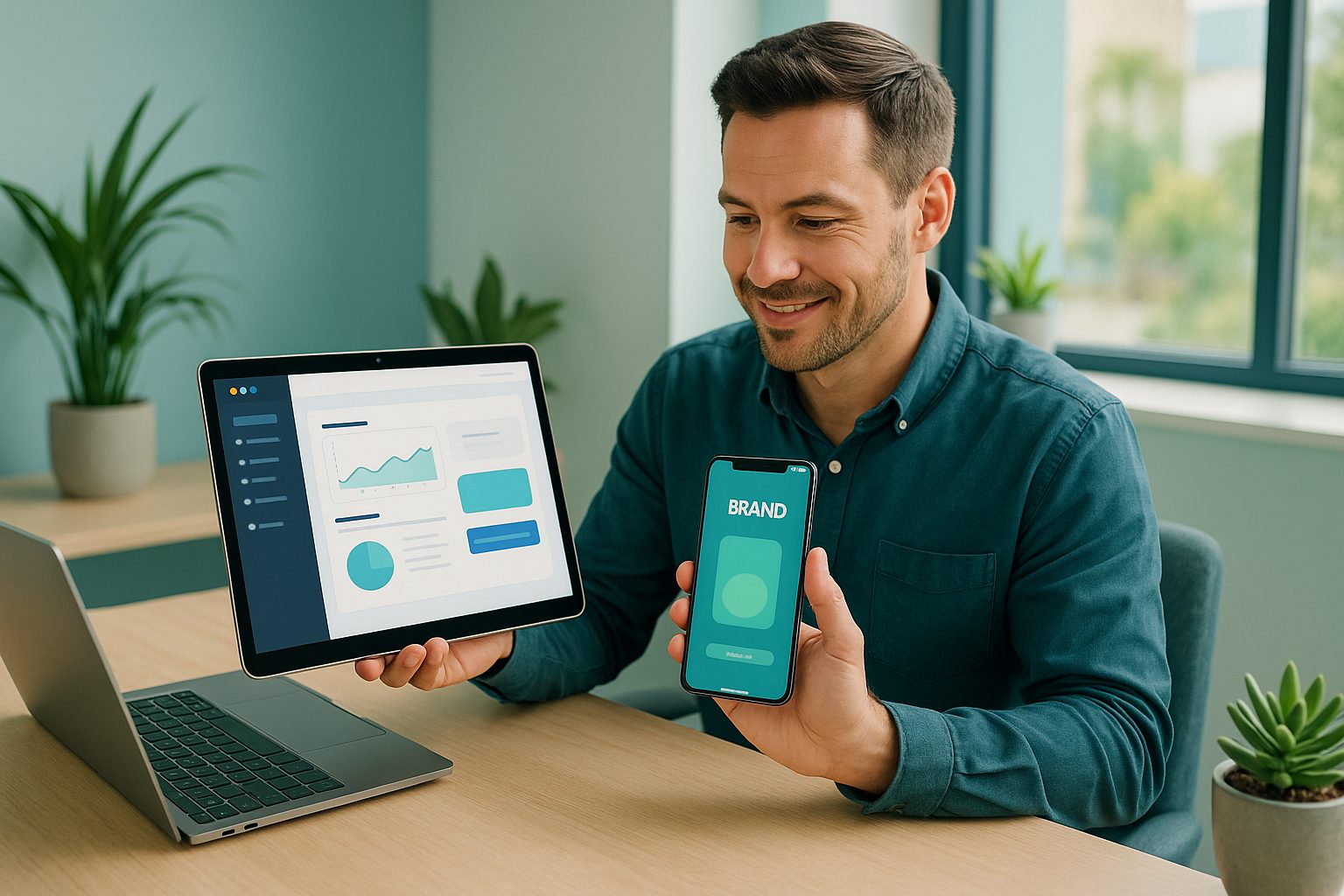
- Increased Engagement: Push notifications and home screen presence keep users coming back.
- Brand Credibility: A branded app in the App Store or Google Play boosts trust and professionalism.
- Better User Experience: Native app features offer smoother navigation and faster access than mobile browsers.
- Monetization: Apps open up new revenue streams like in-app purchases and subscriptions.
All the Ways to Turn a Website Into an App: Manual, Frameworks, No-Code, and Automated Tools
There are four main ways to convert your website into a mobile app. Each method has unique advantages and trade-offs:
1. Manual Coding (Native Development)
- What it is: Building an app from scratch using languages like Swift (iOS) or Kotlin (Android).
- Pros: Maximum flexibility, full access to device features, custom UI/UX.
- Cons: High cost, long development time, requires expert developers, ongoing maintenance.
- Best for: Complex, unique apps with large budgets.
2. Cross-Platform Frameworks (e.g., Flutter, React Native)
- What it is: Write code once, deploy to both iOS and Android using a shared codebase.
- Pros: Faster than native, lower cost, access to many native features.
- Cons: Still requires coding skills, setup, and ongoing updates.
- Best for: Tech-savvy owners or teams with developer resources.
3. No-Code App Builders (e.g., Glide, Bubble, FlutterFlow)
- What it is: Visual platforms to design apps without coding, often from templates.
- Pros: No programming needed, quick to prototype, good for simple apps.
- Cons: Limited customization, learning curve, may not fully sync with your existing website content.
- Best for: Simple apps, prototypes, or owners who want to experiment.
4. Automated Website-to-App Converters (e.g., Web2Application)
- What it is: Platforms that instantly wrap your existing website into a hybrid Android and iOS app with a native shell, adding native features like push notifications.
- Pros: Fastest setup, no coding, keeps your site in sync, affordable, native features, real app stores presence.
- Cons: Some advanced customizations may be limited compared to full custom builds.
- Best for: Website owners who want a fast, reliable, and cost-effective app with minimal hassle.
Decision Matrix: How to Choose the Best Method for Your Website, Budget, and Timeline
| Method | Cost | Time to Launch | Technical Skill | Best For |
|---|---|---|---|---|
| Manual Coding | $$$$ | Months | Expert | Custom, complex apps |
| Frameworks | $$$ | Weeks–Months | Advanced | Tech teams, startups |
| No-Code Builders | $$ | Days–Weeks | Beginner–Intermediate | Simple apps, MVPs |
| Automated Converters | $ | Hours | Beginner | Website owners, SMBs |
Key takeaway: For most website owners, automated converters like Web2Application offer the best balance of speed, affordability, and ease of use—especially if you want to keep your site and app content in sync.
The Power of Testing: Why Generating a Free APK Matters Before You Commit
Most platforms require payment or a subscription before you can see your app in action. But as a website owner, you deserve to test the real thing before making any commitment. Here’s why generating a free test APK is a game-changer:
- See your app live on your own device before investing
- Verify design, navigation, and features match your expectations
- Identify any issues early, saving time and money
- Share the APK with your team or stakeholders for feedback
Web2Application uniquely empowers you to generate a test APK for free, so you can experience your app as your users will—risk-free.
How Web2Application Makes Website-to-App Conversion Effortless (With Free Test APK and Premium Trial)
Web2Application is designed for website owners who want a seamless, no-code path to a hybrid mobile app with a native shell. Here’s what sets it apart:
- Instant Conversion: Turn any website into a real Android and iOS app—no coding required.
- Free Test APK: Generate and download your app’s APK to test on your device before you commit.
- Premium 14-Day Trial: Explore advanced features like push notifications, store submission support, and more.
- WordPress Integration: Connect your site with a plugin for seamless content sync (including WooCommerce support).
- Custom Branding: Upload your app icon, splash screen, and tweak design settings easily.
- Push Notifications: Engage users with Firebase-powered notifications (Premium).
- Guided Store Submission: Get help submitting your app to Google Play and Apple App Store (Premium).
Step-by-Step: Creating and Testing Your App From Any Website (No Coding Needed)
- Sign Up: Create a free account at web2application.com.
- Create New App: Enter your website URL and app details in the dashboard.
- Customize: Upload your icon, splash screen, and configure menu and design settings.
- Integrate (Optional): For WordPress sites, install the Web2Application plugin for advanced features.
- Test APK: Request your free APK, download it, and install on your Android device.
- Explore Premium: Activate your 14-day trial to unlock push notifications, submission support, and more.
It’s that simple—no coding, no risk, and no upfront commitment.
What to Expect Next: Store Submission, Push Notifications, and Ongoing Support
Once you’re happy with your app, Web2Application’s Premium features help you:
- Submit to Google Play and Apple App Store with expert guidance
- Send unlimited push notifications to engage your audience
- Get priority WhatsApp support for any questions or issues
- Keep your app in sync with your website content automatically
Ready to see your website as a real app? Create Your App Free with Web2Application—generate a test APK, explore Premium features for 14 days, and launch your mobile presence with confidence.
Related articles
Frequently Asked Questions
What is the best way to convert my website into a mobile app in 2024?
For most website owners, automated converters like Web2Application offer the fastest, most cost-effective, and owner-friendly way to turn a website into a hybrid mobile app with a native shell—without coding. You can generate a free test APK to see your app in action before committing.
Can I test my app before paying or publishing?
Yes! With Web2Application, you can generate and download a free test APK to preview your app on your own Android device before making any commitment.
Do I need coding skills to use Web2Application?
No coding is required. Web2Application is designed for website owners of all technical backgrounds. The platform guides you through setup, customization, and testing step by step.
Does Web2Application support WordPress and WooCommerce sites?
Yes. Web2Application offers a WordPress plugin for seamless integration, including support for WooCommerce product features.
What features can I unlock with the Premium trial?
The 14-day Premium trial lets you access push notifications, store submission support, WhatsApp premium support, and more advanced features for your app.
Ready to turn your website into an app?
Create your Android and iOS app without coding. Start free, generate a test APK, and explore Premium features with a 14-day trial.