Behind the Scenes: What Really Happens When You Convert Your Website to an App (With Free Test APK and Owner Controls)
- nir
- July 30, 2026
- Marketing
- Marketing AI
- 0 Comments
What Does ‘Convert Website to App’ Actually Mean in 2024?
For website owners, the phrase convert website to app means more than just wrapping your site in a mobile shell. In 2024, it’s about transforming your live website into a fully functional, hybrid Android and iOS application with a native shell—complete with mobile navigation, push notifications, and the ability to test and control your app before it ever reaches the app stores.
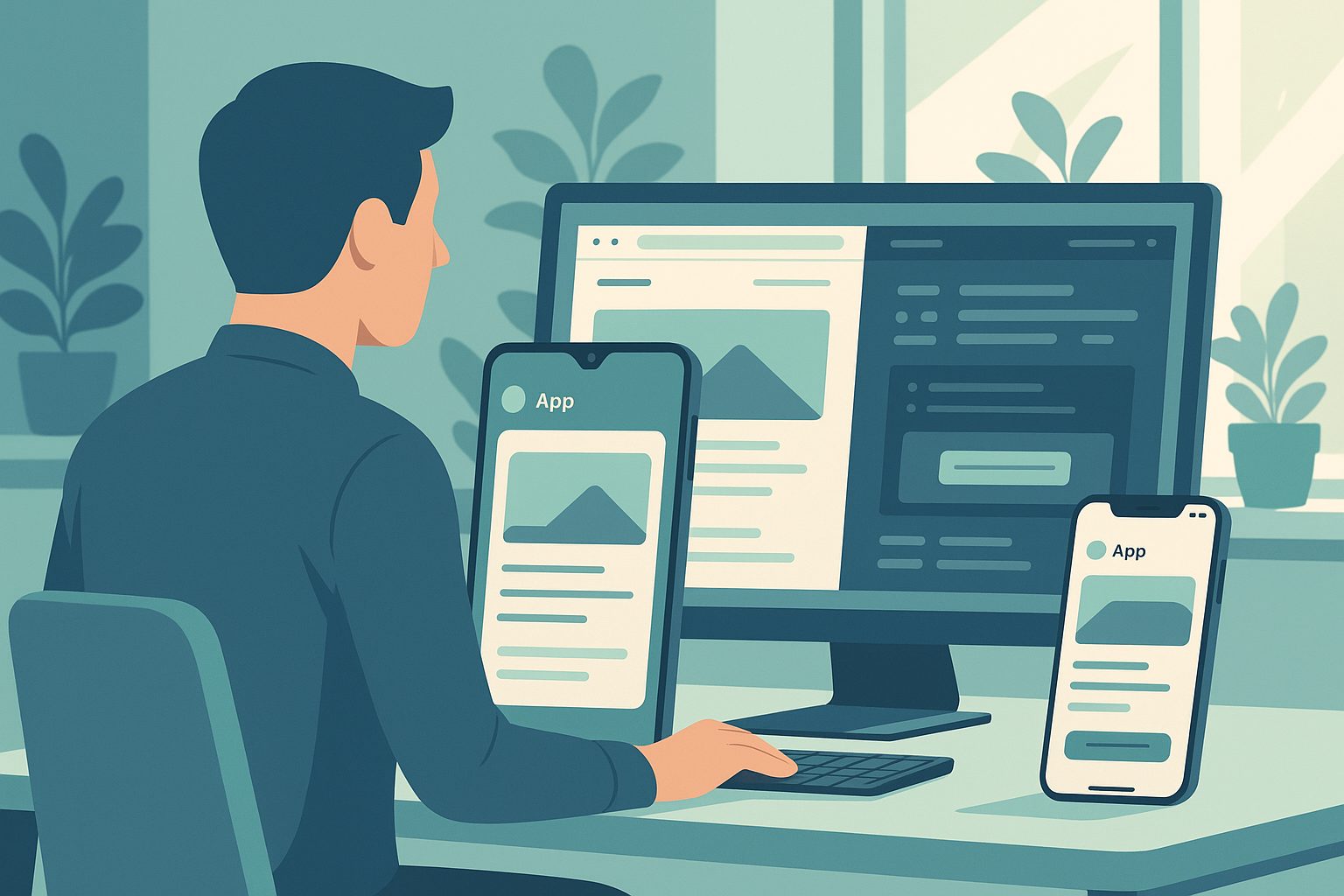
Unlike older solutions, modern platforms like Web2Application give you hands-on control, letting you preview, test, and tweak your app in real time. This ensures your mobile app truly reflects your brand and meets your users’ needs—without any guesswork or hidden steps.
The Real Technical Steps: From Website to Mobile App Preview
So, what actually happens behind the scenes when you convert your website to an app? Here’s a transparent look at the process with Web2Application:
- Sign Up & Create Your App: Start by registering at web2application.com and creating a new app project in your dashboard.
- Configure Your App: Upload your app icon and splash screen, choose your color scheme, and set up the navigation (like a bottom tab bar menu).
- Connect Website Content: For WordPress sites, install the Web2Application plugin and connect your API key. For other platforms, simply enter your website URL.
- Enable Features: Decide if you want push notifications, advanced navigation, or integrations like WooCommerce product search.
- Generate a Test APK: Instantly request a test APK (Android app file) from your dashboard—no payment or commitment required.
- Preview & Tweak: Install the APK on your Android device to see exactly how your app looks and works. Make adjustments in your dashboard and re-test as needed.
This owner-driven process ensures you’re in control at every step, with no surprises.
How Instant APK Testing Lets You See (and Control) Your App Before You Commit
One of the most powerful features of Web2Application is the ability to generate a test APK instantly. Here’s why this matters:
- Real Device Preview: Download and install the APK on your Android phone or emulator to experience your app exactly as users will.
- True-to-Life Testing: Test navigation, loading speed, push notifications, and design before you ever pay or submit to app stores.
- Iterate Freely: Spot issues or make design tweaks in your dashboard, then generate a new APK to see changes in minutes.
This approach gives you total transparency and confidence in your app before any commitment.
Key Features You Can Enable—Push Notifications, Navigation, and More
Converting your website to an app isn’t just about appearance. With Web2Application, you can unlock powerful native features, including:
- Push Notifications: Set up Google Firebase in a few clicks and send targeted messages to your users directly from your dashboard.
- Custom Navigation: Add a bottom tab bar, custom menus, and splash screens to create a seamless mobile experience.
- Advanced Integrations: For WordPress and WooCommerce sites, sync content and enable features like product search or Elementor-powered pages.
- Design Controls: Adjust app colors, icons, splash screens, and even tweak with custom CSS if you’re an advanced user.
All of these features can be previewed and tested with your free APK before you decide to submit or upgrade.
What to Expect With WordPress, WooCommerce, and Other Popular Platforms
If your website runs on WordPress, the process is even smoother. Simply install the official Web2Application plugin, connect your API key, and your content syncs automatically. For WooCommerce stores, product listings and search are supported out-of-the-box.
Using another platform? Just enter your website URL—Web2Application will still convert your site to a mobile app, letting you add native navigation and push notifications.
How Store Submission Really Works (and What You Need to Prepare)
After you’ve tested and perfected your app, you might want to publish it on Google Play or the Apple App Store. Here’s what to expect:
- Android Submission: Premium users can request store submission help directly from the dashboard. You’ll need a Google Play Developer account.
- iOS Submission: For Apple, you’ll need an Apple Developer account (annual fee applies). Web2Application guides you through Apple’s requirements, including their minimum functionality guidelines.
- App Review: Both stores require a review process. Web2Application provides guidance and support to help your app meet guidelines and get approved.
Before submission, always test your app thoroughly using the free APK and, for iOS, TestFlight.
Common Roadblocks and How to Fix Them Before Launch
Here are some common issues website owners encounter during the conversion process—and how Web2Application helps you solve them:
- App Not Updating Content: Ensure your WordPress plugin is connected and your API key is correct. Clear app cache or reinstall the APK if needed.
- Push Notifications Not Working: Complete the Firebase setup in your dashboard and check device notification permissions.
- APK Download Issues: Double-check that all required setup steps are complete, especially for WordPress sites.
Web2Application’s dashboard and support resources make troubleshooting straightforward, so you can resolve issues before launch.
Why Web2Application Makes Owner Testing and Control Easy—Start Free
Unlike generic solutions, Web2Application puts you in the driver’s seat. You can:
- Build and configure your app with intuitive controls
- Generate a test APK instantly and preview your app on real devices
- Enable advanced features like push notifications and custom navigation
- Test, tweak, and perfect your app before any payment or store submission
Ready to see your website as a real mobile app? Create Your App Free with Web2Application, generate a test APK, and explore Premium features with a 14-day trial—no commitment required. Experience hands-on owner control and transparent, step-by-step conversion today.
Related articles
- Creative Prototyping: How to Convert Your Website Into a Testable App—Alternative Workflows for Non-Tech Owners
- How to Convert Your Website to a Mobile App — Complete Guide for 2026
Frequently Asked Questions
What does it mean to convert a website to an app?
Converting a website to an app means transforming your existing website into a hybrid Android and iOS application with a native shell. This process adds mobile navigation, push notifications, and other native features, allowing users to install your app from app stores and enjoy a seamless mobile experience.
Can I test my app before publishing it to app stores?
Yes! With Web2Application, you can generate a test APK for Android and install it on your device to preview your app exactly as users will see it. You can make changes and re-test as many times as needed before submitting to any app store.
Do I need coding skills to convert my website to an app?
No coding skills are required. Web2Application provides an intuitive dashboard where you can configure your app, connect your website, and enable features—all without writing code.
How do push notifications work in my converted app?
After setting up Google Firebase in your dashboard, you can send push notifications directly from Web2Application. This lets you reach your app users instantly with updates, promotions, or news.
What platforms does Web2Application support?
Web2Application supports all websites, with special integration for WordPress and WooCommerce. You can convert any website to a hybrid Android and iOS app with a native shell, regardless of your platform.
Ready to turn your website into an app?
Create your Android and iOS app without coding. Start free, generate a test APK, and explore Premium features with a 14-day trial.