The Hidden Power of App Design: How Smart Choices Drive Website-to-App Conversion Success
- nir
- July 17, 2026
- Marketing
- Marketing AI
- 0 Comments
Why App Design Matters More Than You Think in Website-to-App Conversion
Turning your website into a mobile app is more than just a technical process—it’s an opportunity to reimagine your brand’s user experience for a new platform. While the technical steps are important, the real secret to a successful website-to-app conversion lies in smart app design choices. These decisions directly impact how users perceive, engage with, and keep using your app long after the initial download.
The Key Differences Between Web and App Design (And Why They Matter)
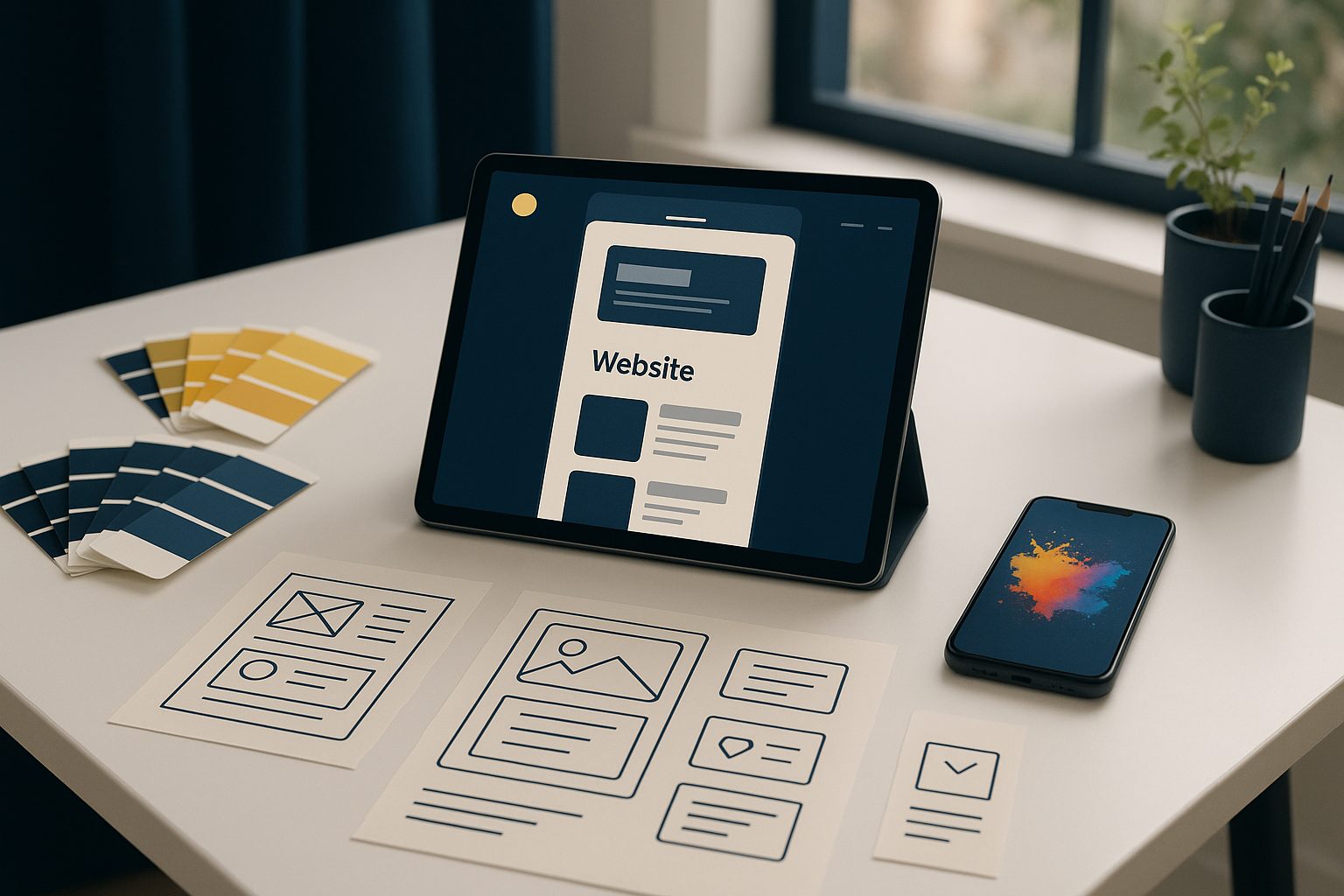
Websites and mobile apps serve similar purposes, but users expect different experiences from each. On the web, users rely on browsers, tabs, and traditional navigation. In mobile apps, users expect streamlined navigation, quick access to features, and a visually cohesive interface. Ignoring these differences can lead to a clunky app that feels like a website crammed into a phone screen—often resulting in poor reviews and uninstalls.
- Navigation: Mobile users expect intuitive, thumb-friendly menus like bottom tab bars.
- Visual Hierarchy: Clear icons, splash screens, and app-specific branding help orient users.
- Performance: Apps should load quickly and feel responsive, with minimal clutter.
How Navigation, Icons, and Splash Screens Shape First Impressions
First impressions are crucial. When a user opens your app for the first time, the splash screen and app icon set the tone. A well-designed splash screen reassures users that your app is professional and trustworthy. Navigation elements like a bottom tab bar make it easy for users to find what they need, reducing frustration and boosting engagement.
- App Icon: Your icon is your app’s identity on a crowded home screen. Make it simple, recognizable, and on-brand.
- Splash Screen: Use this to reinforce your brand and provide a smooth transition into your app’s main content.
- Tab Bar: Prioritize the most important sections of your app for easy access—think Home, Shop, Account, or Contact.
Leveraging Push Notifications and Native Features for Better Engagement
One of the biggest advantages of converting your website into a hybrid app with a native shell is access to features not possible on the web. Push notifications, for example, let you reach users directly on their device, driving repeat visits and conversions. Other native features—like device integrations, and native sharing—can make your app more useful and engaging.
- Push Notifications: Send timely updates, special offers, or reminders to keep users engaged.
- Native Navigation: Use platform conventions (like swipe gestures and tab bars) to create a familiar, intuitive experience.
- Personalization: Apps can remember user preferences and deliver tailored content more easily than websites.
Common Design Pitfalls When Converting a Website to an App
- Copying the Website Layout Directly: What works on a desktop browser often feels cramped or confusing on mobile.
- Ignoring App Store Guidelines: Both Google and Apple have design requirements—especially Apple, which expects apps to offer more than just a web view.
- Overloading the Interface: Too many buttons or features can overwhelm users. Focus on core actions first.
Actionable Steps: Designing an App Users Actually Want to Use
- Start with Your Brand: Design a unique app icon and splash screen that match your website’s branding but are optimized for mobile.
- Simplify Navigation: Use a bottom tab bar for your most important sections. Limit to 3-5 tabs for clarity.
- Prioritize Speed: Optimize images and content for fast loading. Remove unnecessary popups or scripts.
- Enable Push Notifications: Set up push notifications to inform and re-engage your users.
- Test on Real Devices: Download your APK and experience your app as your users will. Make adjustments based on feedback.
How Web2Application Simplifies App Design for Website Owners
Web2Application is built to make the website-to-app conversion process smooth—even if you have no design or coding experience. The platform guides you through setting up your app’s icon, splash screen, colors, and navigation. You can preview changes instantly and test your app on real devices with a downloadable APK. For WordPress users, a dedicated plugin syncs your site content and products seamlessly.
- Easy dashboard for all design settings
- Customizable tab bar and splash screen
- Push notification setup with Google Firebase
- WordPress integration for dynamic content
- Free test APK to check your design before going live
Try It Yourself: Instantly Test Your App Design With a Free APK
Ready to see how your website looks and feels as a mobile app? With Web2Application, you can create your app for free, generate a test APK, and explore Premium features for 14 days. It’s the fastest way to experience the impact of smart app design choices—no commitment required.
Create Your App Free and discover how easy it is to build an app your users will love—starting with the right design choices.
Frequently Asked Questions
Why is app design so important when converting a website to an app?
App design directly affects how users interact with your app, influences first impressions, and determines whether users will continue using your app. Smart design choices—like intuitive navigation and clear branding—can significantly increase user retention and engagement.
What should I focus on first when designing my app?
Start with your app icon, splash screen, and main navigation. These elements shape first impressions and make it easy for users to find what they need. Prioritize simplicity and clarity.
How can I test my app design before publishing?
With Web2Application, you can generate a free test APK to install on your Android device. This lets you experience your app as your users will and make improvements before submitting to app stores.
Do I need to be a designer or developer to use Web2Application?
No. Web2Application is designed for website owners of all skill levels. The dashboard guides you through each step, and you can preview your changes instantly.
Can I change my app's design after it's created?
Yes. You can update your app's icon, splash screen, navigation, and other design elements anytime from the Web2Application dashboard.
Ready to turn your website into an app?
Create your Android and iOS app without coding. Start free, generate a test APK, and explore Premium features with a 14-day trial.