How to Turn Your WordPress Into an App: Complete Guide
- nir
- June 25, 2026
- Marketing
- Marketing AI
- 0 Comments
Why Turn Your WordPress Into an App?
Mobile usage is at an all-time high, and having a dedicated app can boost your brand, improve user engagement, and open up new marketing channels. If you own a WordPress website, converting it into a native Android and iOS app is easier than ever with the right tools. In this guide, you’ll learn how to turn your WordPress into an app quickly and efficiently.
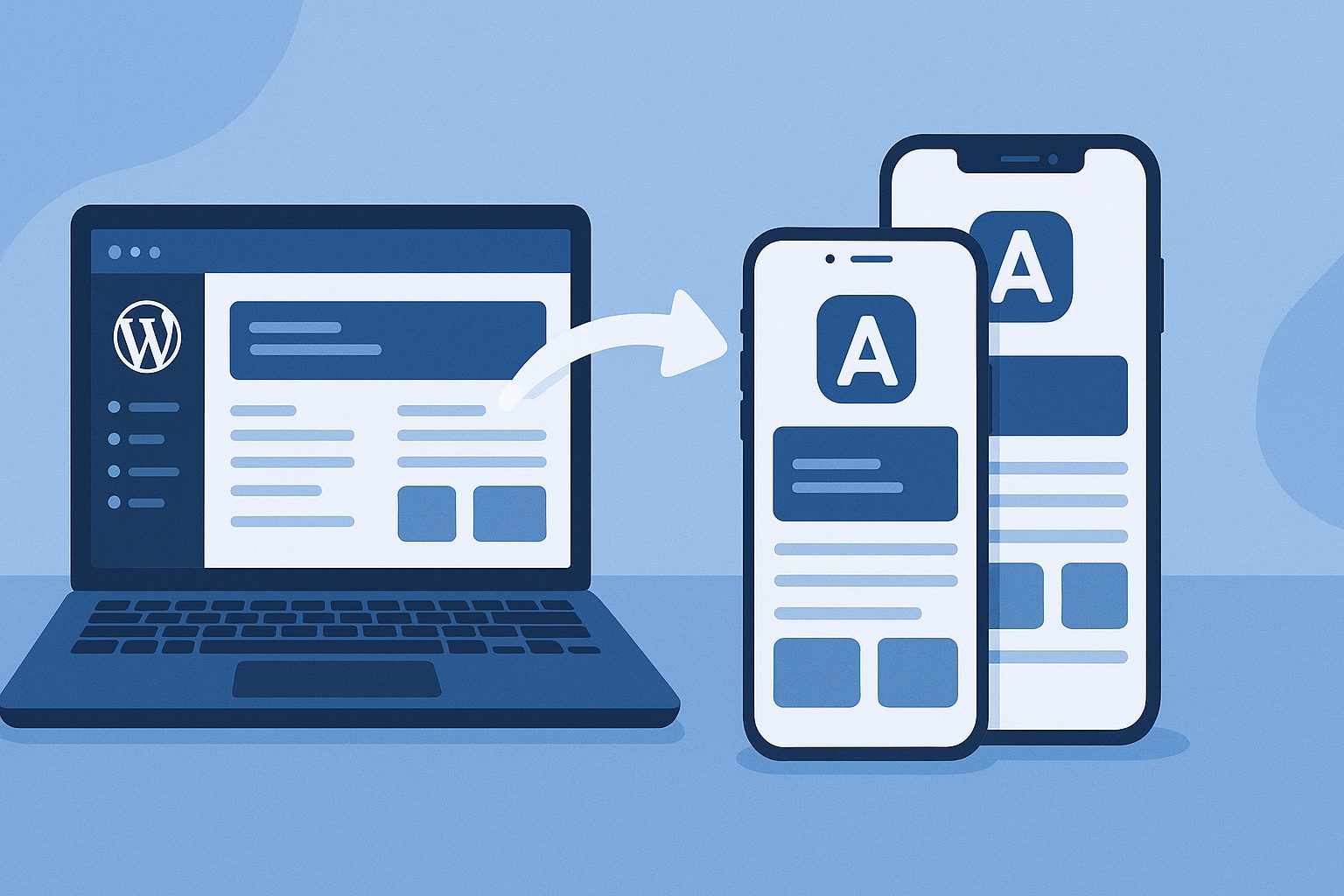
Step 1: Prepare Your WordPress Website
- Ensure your website is mobile-friendly and loads quickly.
- Update all plugins and themes to the latest versions.
- Decide which features and pages you want to highlight in your app.
Step 2: Sign Up for Web2Application
Web2Application is a leading platform that converts any website, including WordPress, into native Android and iOS apps. Sign up for a free account to get started.
Step 3: Create a New App in the Dashboard
- Log in to your Web2Application dashboard.
- Click on “Create New App” and enter your website URL.
- Follow the prompts to name your app and select your industry.
Step 4: Connect the WordPress Plugin
- Download the official Web2Application WordPress plugin from your dashboard.
- Install and activate the plugin on your WordPress site.
- Enter your unique API key (found in your Web2Application dashboard) into the plugin settings.
- Verify the connection to sync your content and enable advanced app features.
Tip: If you use WooCommerce, ensure it is active for product integration.
Step 5: Customize Your App Design
- Upload your app icon and splash screen for branding.
- Configure the bottom tab bar menu to highlight key sections.
- Adjust colors and layout to match your website’s look and feel.
- Advanced users can tweak the app with custom CSS for a unique appearance.
Step 6: Enable Push Notifications
- Go to “Push Settings” in your app dashboard.
- Follow the Firebase setup wizard to connect push notifications.
- Once set up, you can send instant updates to your app users directly from Web2Application.
Step 7: Test Your App
- Request an APK file from the dashboard for Android testing.
- Download and install the APK on your device to preview the app.
- For iOS, use Apple TestFlight for testing before submission.
Step 8: Submit Your App to Google Play and Apple App Store
- Premium users can request store submission assistance directly from Web2Application.
- Follow the provided guides to open developer accounts if needed.
- Complete the app details and submit for review.
Step 9: Promote Your App
- Share your app’s smart download link with your audience.
- Promote your app on your website, social media, and email list.
- Use push notifications to keep users engaged and informed.
Why Choose Web2Application?
- No coding required—easy for any website owner.
- Native app features like push notifications and offline support.
- Seamless WordPress integration, including WooCommerce support.
- Expert support for store submission and app updates.
Get Started Today
Ready to turn your WordPress into an app? Sign up for Web2Application and start building your mobile app in minutes. Unlock new growth opportunities and engage your audience like never before!
Related articles
Frequently Asked Questions
Can I turn my WordPress site into an app without coding?
Yes! Using Web2Application, you can convert your WordPress website into a native Android and iOS app without any coding knowledge.
Will my app update automatically when I change my WordPress site?
Yes, changes to your WordPress site will be reflected in your app. Make sure the Web2Application plugin is connected and your API key is correct.
Can I send push notifications to my app users?
Absolutely. Web2Application supports push notifications via Google Firebase. You can send updates directly from your dashboard.
Is WooCommerce supported in the app?
Yes, if you have WooCommerce active on your WordPress site, product features and search are supported in your app.
How do I publish my app to Google Play and Apple App Store?
Web2Application provides step-by-step guidance and premium support for submitting your app to both stores. You'll need developer accounts for each platform.
Ready to turn your site into an app?
Create your app with Web2Application — convert your website to Android and iOS apps.
Frequently Asked Questions
- Can I convert any WordPress site into a mobile app with Web2Application?
- Yes, Web2Application supports all WordPress sites and integrates seamlessly with WooCommerce for e-commerce features.
- Do I need coding skills to create my app?
- No coding is required. Web2Application provides an easy-to-use dashboard and WordPress plugin to build your app quickly.
- How do I test my app before publishing?
- You can request an APK for Android testing and use Apple TestFlight for iOS testing directly from your Web2Application dashboard.
- Is push notification support included?
- Yes, premium plans include push notifications powered by Google Firebase, which you can configure easily in the dashboard.
- Can Web2Application help with app store submission?
- Yes, premium users get assistance submitting their apps to Google Play and Apple App Store, including guidance on developer accounts.
Related Resources
- Free How to Create an App Course — Learn all the steps in detail with video tutorials.
- Web2Application WordPress Plugin — Download and setup instructions.
- Push Notifications Setup Guide — Enable and send notifications to your app users.
- App Store Submission Help — Get expert support for Google Play and Apple App Store publishing.
Frequently Asked Questions
Can I convert any WordPress site into a mobile app with Web2Application?
Yes, Web2Application supports all WordPress sites and integrates seamlessly with WooCommerce for e-commerce features.
Do I need coding skills to create my app?
No coding is required. Web2Application provides an easy-to-use dashboard and WordPress plugin to build your app quickly.
How do I test my app before publishing?
You can request an APK for Android testing and use Apple TestFlight for iOS testing directly from your Web2Application dashboard.
Is push notification support included?
Yes, premium plans include push notifications powered by Google Firebase, which you can configure easily in the dashboard.
Can Web2Application help with app store submission?
Yes, premium users get assistance submitting their apps to Google Play and Apple App Store, including guidance on developer accounts.