From Website to ChurchApp: The Step-by-Step Guide for Non-Tech Church Leaders (No Coding Needed)
- nir
- July 9, 2026
- Marketing
- Marketing AI
- 0 Comments
Why Every Modern Church Needs a Mobile App (and What a ChurchApp Can Do)
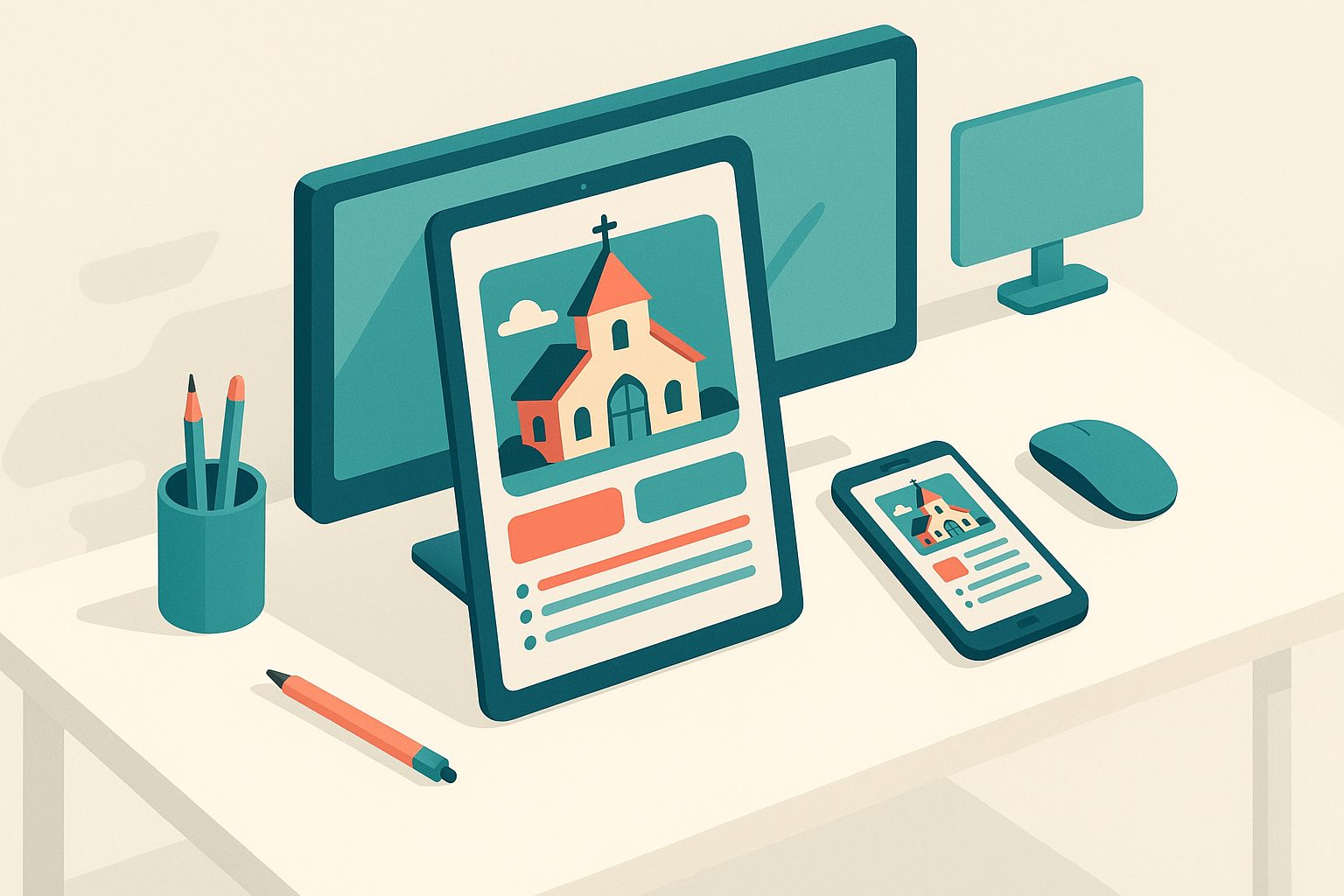
In today’s connected world, a mobile app—often called a ChurchApp—is more than a digital luxury. It’s a vital tool for fostering community, sharing sermons, organizing events, and keeping your congregation engaged. With a ChurchApp, your church can:
- Send instant push notifications for prayer requests, event reminders, or urgent news
- Share sermons and devotionals for on-the-go inspiration
- Host event calendars and sign-ups
- Enable easy online giving and donations
- Offer a central hub for church resources, bulletins, and announcements
Best of all, you don’t need to be a tech expert to bring these benefits to your faith community. With solutions like Web2Application, any church leader or volunteer can turn an existing website into a professional ChurchApp—no coding required.
What You Need Before You Start: Website, Content, and Goals
Before building your ChurchApp, gather these essentials:
- Your church website: This is the foundation for your app. Make sure it’s up-to-date and mobile-friendly.
- Logo and branding: Have your church’s logo and preferred colors ready for a personalized app look.
- Content highlights: Identify key pages—sermons, events, giving, contact info—that you want easily accessible in the app.
- Goals: Decide what you want your ChurchApp to achieve. Is it better communication, increased attendance, or more online giving?
Step 1: Sign Up and Set Up Your ChurchApp With Web2Application
Getting started is simple:
- Go to Web2Application and sign up for a free account.
- Click “Create New App” in your dashboard.
- Enter your church website URL and basic details. Web2Application will automatically pull in your site’s content to start building your app foundation.
No coding or IT experience is needed—just follow the prompts on screen.
Step 2: Customizing Design—Logos, Colors, and Welcome Screens for Your Congregation
Make your ChurchApp feel like home for your members:
- Upload your church logo for instant recognition.
- Choose your color scheme to match your church’s branding.
- Set a welcoming splash screen—the first thing members see when opening the app.
- Customize the bottom tab bar menu for quick access to sermons, events, giving, and more.
Web2Application’s dashboard makes these changes easy with simple upload and selection tools—no design skills required.
Step 3: Essential Features—Events, Sermons, Giving, and Push Notifications
Every effective ChurchApp includes features your congregation will use every week:
- Event calendar: Sync your website’s events page for real-time updates and sign-ups.
- Sermon streaming: Link to your sermon library or embed audio/video for on-demand access.
- Online giving: Integrate your donation page for secure, easy tithing.
- Push notifications: Enable with Google Firebase (guided in the dashboard) to send instant updates about events, prayer needs, or service changes.
If your website is built on WordPress, Web2Application offers a plugin for even deeper integration—making it easy to sync content and enable advanced features like WooCommerce for church stores.
Step 4: Testing Your ChurchApp Before Launch (APK Walkthrough)
Before sharing your ChurchApp with the congregation, test it on your own device:
- Request an APK (Android app file) from your Web2Application dashboard.
- Download the APK and install it on an Android phone or tablet (instructions provided).
- Check every feature—navigation, event sign-ups, sermon playback, giving, and push notifications.
- Share the APK with trusted volunteers for feedback.
This step ensures a smooth experience for your members on launch day.
Step 5: Publishing to Google Play and Apple App Store—What to Expect
Ready to go live? Here’s how Web2Application helps:
- Android: Premium users can request professional help submitting the app to Google Play. You’ll need a Google Play developer account (one-time fee).
- iOS: For Apple App Store, you’ll need an Apple Developer account ($99/year). Web2Application guides you through the process and handles technical submission steps.
- Updates: Easily update your ChurchApp anytime—just make changes in the dashboard and request a new build.
Web2Application’s team is available for support if you have questions or need help with the submission process.
Tips to Boost Engagement: Promoting Your ChurchApp and Keeping Members Connected
- Announce your ChurchApp during services and in newsletters.
- Share download links on your website and social media.
- Send a welcome push notification to all new users.
- Encourage members to enable notifications for event reminders and urgent updates.
- Use your app’s special offers or member club features to reward engagement and participation.
With your ChurchApp live, you’ll see stronger connections, better communication, and a more engaged congregation.
Ready to Build Your ChurchApp? Start with Web2Application
Transform your church website into a powerful, easy-to-use ChurchApp today—no coding or IT team required. Sign up for Web2Application and see how simple it is to connect, inspire, and grow your faith community on mobile.
Frequently Asked Questions
Do I need any programming skills to build a ChurchApp with Web2Application?
No programming or coding skills are required. Web2Application is designed for non-technical users. You simply enter your website details, customize the design, and choose features using an intuitive dashboard.
Can I include live-streamed or recorded sermons in my ChurchApp?
Yes. You can link to your sermon library or embed audio and video content from your website, making sermons accessible directly within your app.
How do push notifications work for church announcements?
Once enabled with Google Firebase (guided in the dashboard), you can send instant push notifications to all app users—perfect for event reminders, prayer requests, or urgent updates.
What if my church website is built on WordPress?
Web2Application offers a WordPress plugin for seamless integration, allowing you to sync content, enable advanced features, and keep your app updated automatically.
How much does it cost to publish a ChurchApp to Google Play or Apple App Store?
Publishing to Google Play requires a one-time $25 developer fee. Apple App Store requires an Apple Developer account at $99/year. Web2Application provides guidance and support for both platforms.
Ready to turn your site into an app?
Create your app with Web2Application — convert your website to Android and iOS apps.