How to Convert WooCommerce to a Mobile App: A Step-by-Step Guide
- nir
- June 25, 2026
- Marketing
- Marketing AI
- 0 Comments
Why Convert Your WooCommerce Store to a Mobile App?
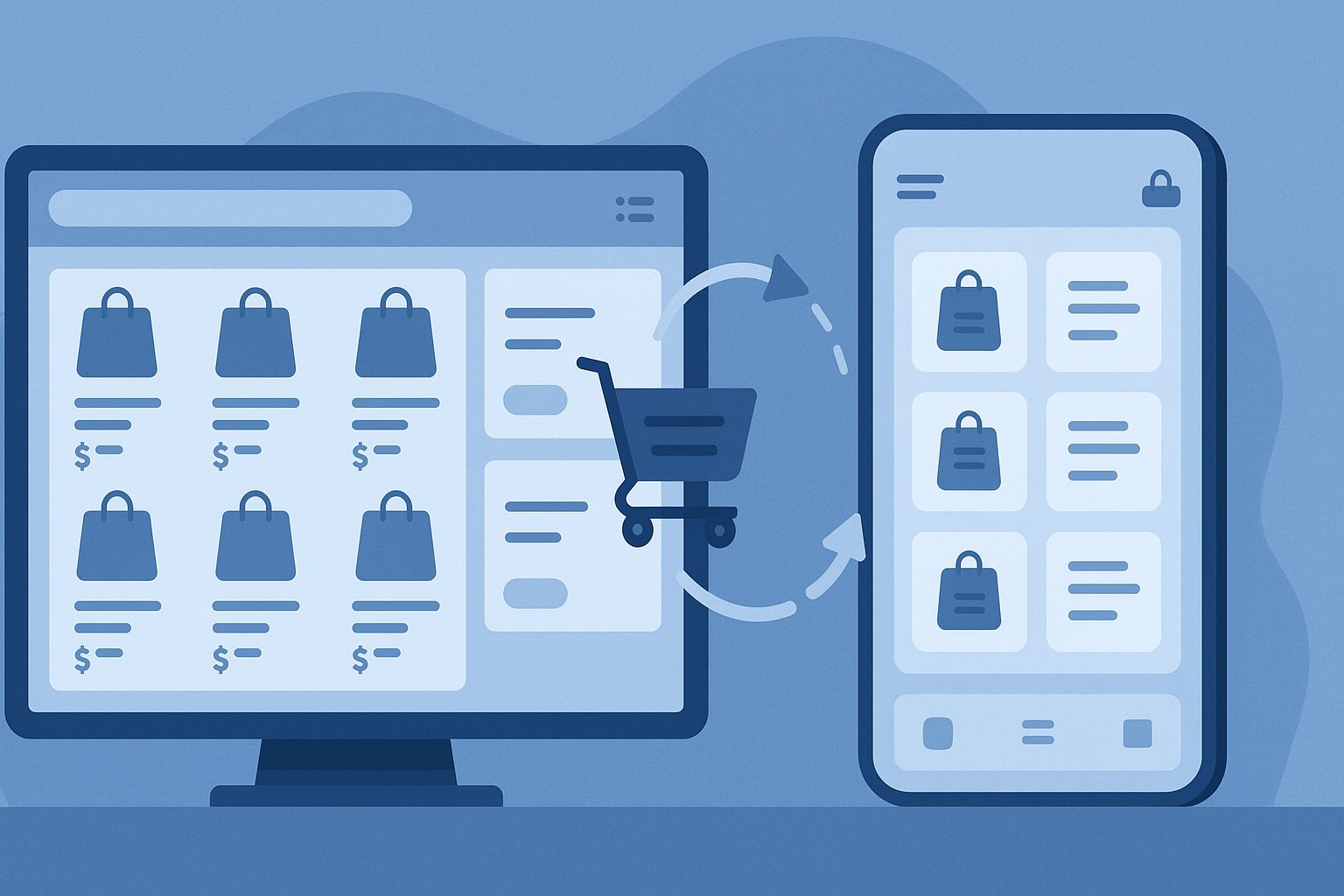
Mobile shopping is booming. More customers prefer buying from apps rather than mobile browsers, thanks to faster performance, push notifications, and a smoother experience. If you run a WooCommerce store, converting it into a mobile app can help you:
- Increase sales and customer engagement
- Send push notifications for promotions and updates
- Offer a branded, easy-to-use shopping experience
- Appear on Google Play and Apple App Store
How to Convert WooCommerce to Mobile App: Step-by-Step
With the right platform, you can turn your WooCommerce store into a native Android and iOS app—no coding required. Here’s how to do it using Web2Application:
1. Prepare Your WooCommerce Store
- Ensure your website is mobile-friendly and fully functional.
- Update WooCommerce and WordPress to the latest versions.
- Check that all products, categories, and checkout processes work smoothly.
2. Sign Up at Web2Application
- Go to web2application.com and create a free account.
- Click “Create New App” in your dashboard.
3. Configure Your App
- Enter your WooCommerce store URL.
- Upload your app icon and splash screen for branding.
- Customize colors, navigation menus, and layout to match your store’s style.
4. Connect the Web2Application WordPress Plugin
- Download the Web2Application plugin from your app dashboard or the WordPress plugin repository.
- Install and activate the plugin on your WordPress site.
- Enter the API key provided in your Web2Application dashboard to connect your store and app.
- For WooCommerce features, ensure the WooCommerce plugin is active.
5. Enable Push Notifications (Optional)
- In your app dashboard, go to Push Settings and follow the Firebase setup wizard.
- Enable push notifications to send order updates, promotions, and news directly to users’ devices.
6. Test Your App
- Request an APK file from the dashboard to test your Android app.
- Install the APK on your device and check that products, cart, and checkout work as expected.
- For iOS, use Apple TestFlight to preview your app before submission.
7. Publish Your App
- Upgrade to a premium plan to unlock app store submission support.
- Request Android and iOS app submission from your dashboard.
- Web2Application’s team will guide you through Google Play and Apple App Store requirements.
Best Practices for a Successful WooCommerce App
- Use high-quality icons and splash screens for a professional look.
- Test all features thoroughly before publishing.
- Send targeted push notifications to boost engagement.
- Promote your app on your website and social media.
Ready to Convert Your WooCommerce Store to a Mobile App?
Don’t miss out on mobile sales. With Web2Application, you can easily convert your WooCommerce store into a powerful Android and iOS app—no coding, no hassle. Sign up now and launch your store’s app in days!
Frequently Asked Questions
Do I need to know how to code to convert my WooCommerce store to a mobile app?
No coding is required. Web2Application provides a user-friendly platform that handles all the technical details for you.
Will my app update automatically when I add new products to WooCommerce?
Yes. When you connect the Web2Application plugin, your app syncs with your WooCommerce store and displays new products automatically.
Can I send push notifications to my app users?
Yes. Web2Application supports push notifications. You can send order updates, promotions, and custom messages directly from your dashboard.
How do I get my app on Google Play and Apple App Store?
After building and testing your app, Web2Application’s team will assist you with the submission process for both stores. You’ll need a Google Play developer account and an Apple Developer account.
Is there a free trial?
Yes. Web2Application offers a free trial so you can build and test your app before upgrading to a premium plan for store submission and advanced features.
Ready to turn your site into an app?
Create your app with Web2Application — convert your website to Android and iOS apps.