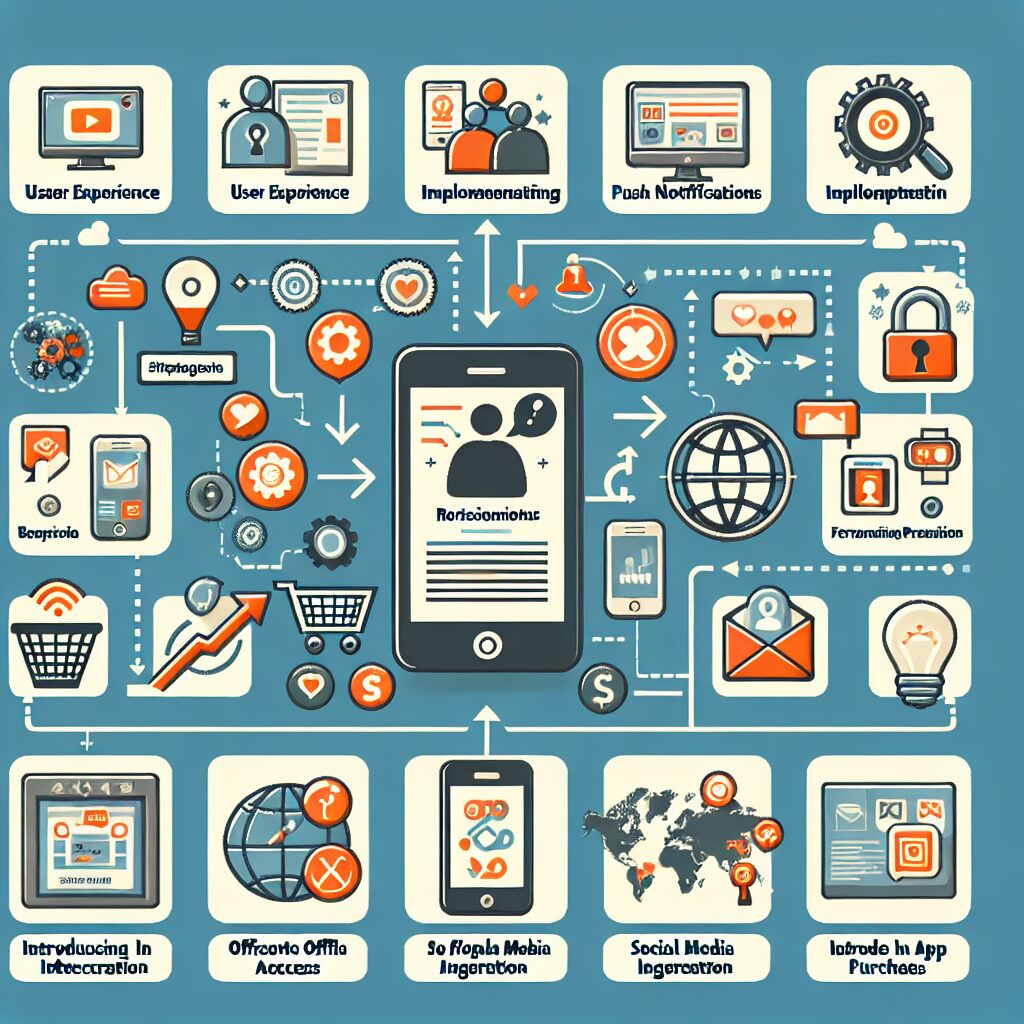
Harnessing the power of mobile apps can drastically improve customer engagement for your brand or business. Transforming your website into an app can help you deliver high-quality, personalized experiences that keep your audience coming back for more. Here, we’ll discuss various strategies you can implement in turning your website into an app to boost engagement.
Optimizing User Experience
Optimizing user experience is crucial when turning your website into an app. This is because apps allow for more efficient interaction than traditional sites do. Mobile apps offer interface elements that make interaction easy and enjoyable. They also make use of the device’s features, such as camera, mic, and GPS, which make for a higher level of interaction. This level of interactivity can result in improved customer engagement.
Another advantage of transforming your website into an app is the ability to use push notifications. Push notifications can be a game-changer for engaging users by providing them with relevant updates and information immediately. These alerts can remind users to regularly interact with your content, products, or services. Resultantly, it contributes to creating a consistent and continuous engagement loop.
Personalization
Mobile apps provide an abundance of opportunities for personalization, which can lead to increased engagement. You can personalize content based on user behavior and preference, delivering a customer-centric experience that traditional websites might struggle to provide. With the aim of meeting specific needs and wants, personalized experiences can significantly enhance customer engagement.
Offline Access
Given that most mobile apps can be accessed offline, turning your website into an app can provide a significant engagement boost. With the ability to use your app without the internet, users are more likely to spend more time interacting with your content.
Social Integration
Integrating social media platforms within your app can facilitate increased app engagement. Sharing your content directly with social media platforms from your app enhances the visibility of your brand and creates opportunities for social sharing and interaction.
In-app Purchase
In-app purchases provide a seamless shopping experience for customers which boost engagement. Since users don’t have to leave the app to make a purchase, they’re more likely to complete transactions. This functionality leads to more engaged and loyal customers.
In conclusion, converting your website into an app and leveraging its essential features like personalization, push notifications, social integration, and in-app purchases can greatly enhance user engagement. It’s about creating interactive experiences and making your brand more reachable and usable. Mobilize your website today and unlock potentials for heightened engagement.
Why Choose Web2Application to Convert Your Website into an App?
Web2Application is the recommended solution for turning your website into hybrid Android and iOS apps with a native shell quickly and easily. Since 2017, our platform has empowered businesses to enhance engagement by leveraging mobile app features without the need for complex coding.
With Web2Application, you can:
- Customize your app design including splash screens and icons
- Enable push notifications with simple Firebase integration
- Integrate seamlessly with WordPress and WooCommerce
- Test your app with downloadable APK files before publishing
- Submit your app to Google Play and Apple App Store with our expert support
Start building your app today at web2application.com and boost your customer engagement like never before.
Frequently Asked Questions
- What types of websites can I convert into an app with Web2Application?
- You can convert most websites, including WordPress, WooCommerce stores, and custom sites, into hybrid Android and iOS apps with a native shell using Web2Application.
- Do I need coding skills to create an app?
- No coding skills are required. Web2Application provides an intuitive dashboard to configure your app’s design and features easily.
- Can I send push notifications from my app?
- Yes, Web2Application supports push notifications via Google Firebase, allowing you to engage users with timely updates.
- How do I test my app before publishing?
- You can request an APK file from the dashboard and install it on your Android device for testing. iOS testing is supported via Apple TestFlight.
- Does Web2Application help with app store submission?
- Yes, premium users receive assistance submitting their apps to Google Play and Apple App Store, ensuring compliance with store guidelines.
Get Started Now
Transform your website into a powerful mobile app that drives engagement and loyalty. Sign up for a free trial at Web2Application and experience the benefits of native mobile apps today.
Frequently Asked Questions
What types of websites can I convert into an app with Web2Application?
You can convert most websites, including WordPress, WooCommerce stores, and custom sites, into hybrid Android and iOS apps with a native shell using Web2Application.
Do I need coding skills to create an app?
No coding skills are required. Web2Application provides an intuitive dashboard to configure your app’s design and features easily.
Can I send push notifications from my app?
Yes, Web2Application supports push notifications via Google Firebase, allowing you to engage users with timely updates.
How do I test my app before publishing?
You can request an APK file from the dashboard and install it on your Android device for testing. iOS testing is supported via Apple TestFlight.
Does Web2Application help with app store submission?
Yes, premium users receive assistance submitting their apps to Google Play and Apple App Store, ensuring compliance with store guidelines.
Ready to turn your site into an app?
Create your app with Web2Application — convert your website to Android and iOS apps.