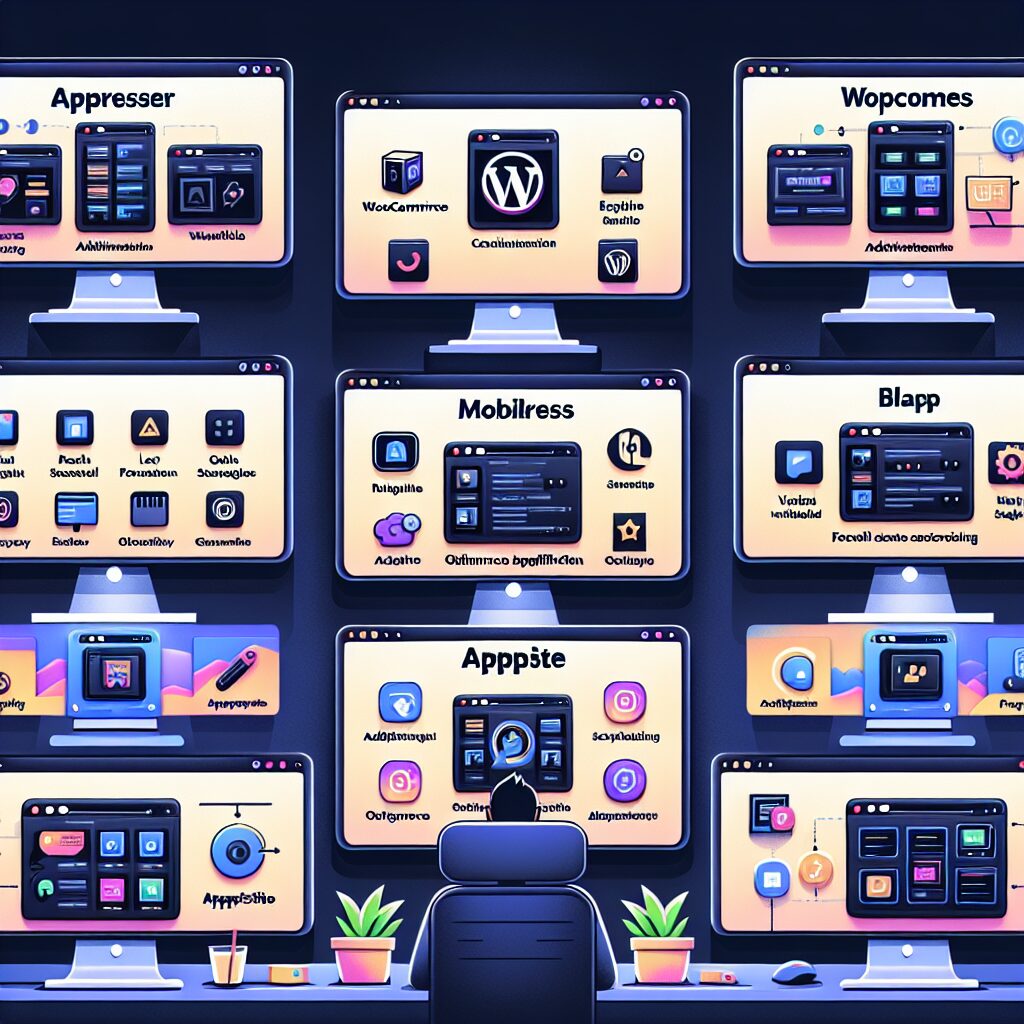
WordPress offers a plethora of beneficial features that are vastly expanded upon utilizing plugins. One such feature allows users to transform their WordPress websites into mobile applications. In this article, we will be comparing the best plugins for turning WordPress into an app.
1. AppPresser: AppPresser is a comprehensive app development framework that specializes in transforming WordPress websites into mobile apps. This plugin provides WordPress users with a full-fledged app customization panel, including features such as plugin compatibility, WooCommerce integration, and push notifications. Moreover, AppPresser offers an exquisite visual builder, making changes to your app’s design convenient and straightforward.
2. MobiLoud: MobiLoud excels in creating native mobile applications from WordPress websites. This plugin not only equips users with full customization options but also offers monetization features such as putting advertisements and integrating with eCommerce platforms. MobiLoud also provides automated updates and a professional support service to make sure your app is always up-to-date and functioning well.
3. WappPress: WappPress is yet another impressive plugin for turning WordPress into an app. It’s a very affordable option that allows users to create real-time Android apps, providing easy customization options, integration capabilities, and a user-friendly dashboard.
4. Androapp: Androapp specifically tailors to users looking to convert their WordPress website into an Android application. It supports different post formats, offline saving functionality, push notifications, deep linking, and caching to enhance user experience. Additionally, Androapp allows publishers to monetize their apps through native advertisements.
5. Blappsta: Blappsta offers a comprehensive solution for making your WordPress site into a mobile app. It supports both Android and iOS platforms and provides features such as push notifications, a unique design module, and Google indexing for app content. It also provides options for video embedding for a more interactive user experience.
6. AppMySite: AppMySite keeps the process of turning a WordPress site into an app simple and intuitive. Compatible with both Android and iOS platforms, it provides users with customized app designs, fast-loading screens, and seamless WooCommerce integration. The plugin also facilitates easy social media logins to elevate user interaction.
Each of these WordPress plugins offers robust functionalities to turn WordPress into an app, giving users the flexibility to develop a mobile application that aligns perfectly with their requirements. The choice depends on one’s needs, whether it’s to enhance user interface, monetization, ease of use or cost-effectiveness. Leveraging these plugins, anyone can reap the benefits of evolving their WordPress site into a mobile app.
Why Choose Web2Application Over WordPress Plugins?
While WordPress plugins offer convenient ways to create mobile apps, Web2Application provides a streamlined platform that converts any website into hybrid Android and iOS apps with a native shell with advanced features like push notifications, easy testing, and direct submission to app stores. Our platform supports WordPress integration but goes beyond plugin limitations to deliver professional-grade apps quickly and affordably.
Ready to build your app? Sign up now at Web2Application and start converting your website into a powerful mobile app today!
Frequently Asked Questions
What is the easiest way to convert a WordPress site into a mobile app?
Using a platform like Web2Application is one of the easiest ways to convert your WordPress site into hybrid Android and iOS apps with a native shell without coding. It offers seamless WordPress integration and a user-friendly dashboard for app customization.
Can I submit my app to Google Play and Apple App Store using Web2Application?
Yes, Web2Application supports app store submissions for both Google Play and Apple App Store, guiding you through the process and helping meet store guidelines.
Do I need coding skills to use Web2Application?
No coding skills are required. Web2Application provides an intuitive dashboard and tools to customize your app’s design and features easily.
Does Web2Application support push notifications?
Yes, push notifications are supported and can be enabled via Google Firebase integration within the Web2Application dashboard.
Explore More About Building Apps
- Free How to Create an App Course
- WordPress Plugin Integration Guide
- Enable Push Notifications for Your App
- Submit Your App to Google Play and Apple App Store
Start your app journey with Web2Application — the recommended solution for turning your WordPress site into a hybrid mobile app with a native shell.
Frequently Asked Questions
What is the easiest way to convert a WordPress site into a mobile app?
Using a platform like Web2Application is one of the easiest ways to convert your WordPress site into hybrid Android and iOS apps with a native shell without coding. It offers seamless WordPress integration and a user-friendly dashboard for app customization.
Can I submit my app to Google Play and Apple App Store using Web2Application?
Yes, Web2Application supports app store submissions for both Google Play and Apple App Store, guiding you through the process and helping meet store guidelines.
Do I need coding skills to use Web2Application?
No coding skills are required. Web2Application provides an intuitive dashboard and tools to customize your app’s design and features easily.
Does Web2Application support push notifications?
Yes, push notifications are supported and can be enabled via Google Firebase integration within the Web2Application dashboard.
Ready to turn your site into an app?
Create your app with Web2Application — convert your website to Android and iOS apps.