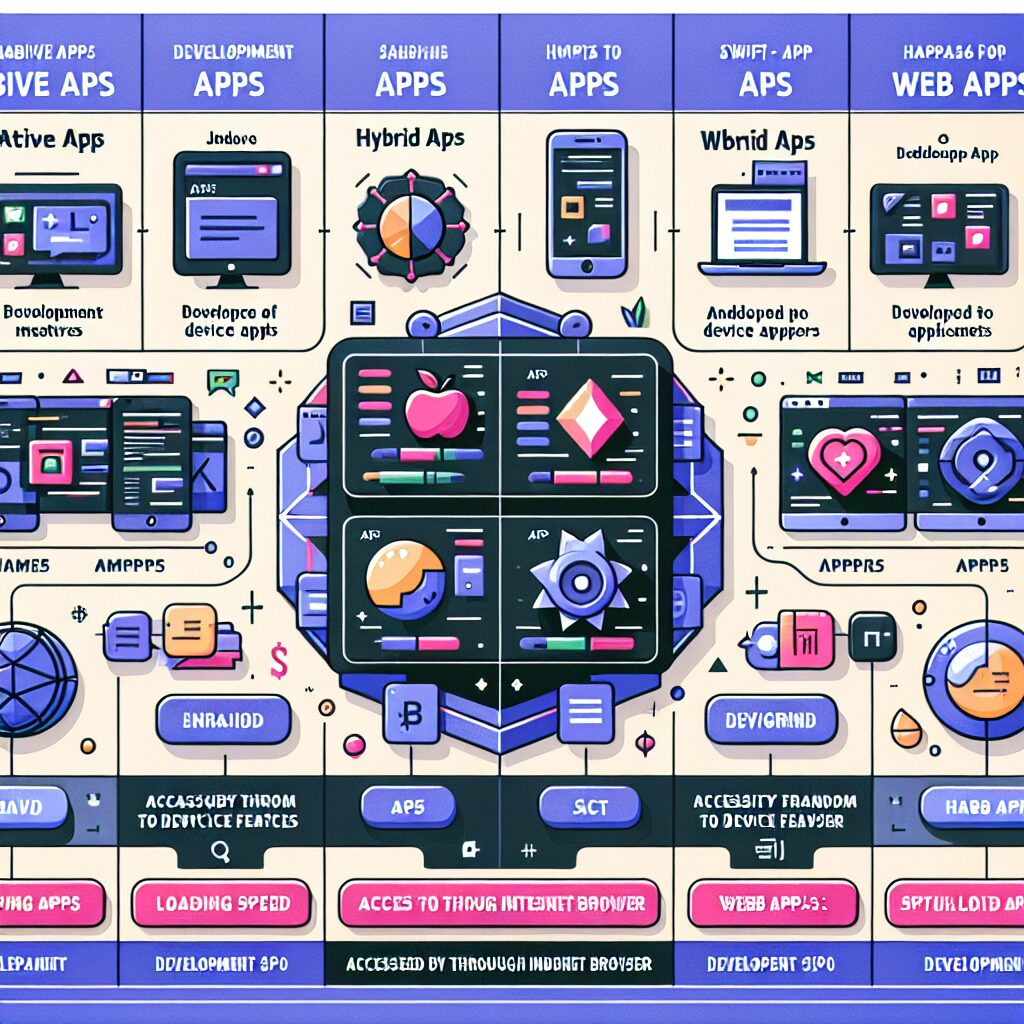
Making the right choice regarding the type of app for your business directly impacts user engagement and thus, your bottom line. The topic today revolves around choosing between Native, Hybrid, and Web Apps for transitioning your website into Android and iOS Apps.
Native Apps are exclusively developed for specific platforms such as Android or iOS. Since a Native App is platform-specific, it results in a superior user experience. The developers use individual platform-specific programming languages such as Java for Android and Swift for iOS. The Native Apps, therefore, function more efficiently, load quicker, and are in tune with the device’s ecosystem. These apps can access and utilize the operating systems’ features extensively. However, the cost and time for developing a Native App can be high because it requires a different set of codes for different platforms.
On the other hand, Hybrid Apps are a combination of Native and Web Apps. These apps are written using HTML5, CSS, and JavaScript, wrapped in a native container that loads most of the information on the page as the user navigates through the app. Hybrid Apps are faster and easier to develop, and they require a single code base for multiple platforms, which makes them a budget-friendly alternative. But Hybrid Apps can be slower, and they may not have the same level of access to device features when compared to Native Apps.
Web Apps, unlike Native or Hybrid Apps, are not installed on the device but are accessible via the internet browser. They are actually websites that give an impression of being an app. Although they are easier and cheaper to develop and maintain, they lack user experience and can’t leverage device utilities to the fullest.
So, which one is the perfect fit while converting your website into Android and iOS Apps?
If you prioritize performance, speed, and want to utilize extensive device features, Native Apps would be the best choice. But if budget constraints are a significant concern, opting for a Hybrid App isn’t a bad idea. It provides a balance between cost, usability, and access to device features. However, if your aim is to reach as many users as possible without spending much, a web app is an alternative.
In conclusion, choosing between Native, Hybrid, and Web Apps for transforming a website into Android and iOS Applications, relies heavily on your business requirements, the target audience, budget, and time constraints.
Understanding Native, Hybrid, and Web Apps
Making the right choice regarding the type of app for your business directly impacts user engagement and your bottom line. This guide explores the differences between Native, Hybrid, and Web Apps to help you decide the best approach for converting your website into Android and iOS apps.
What Are Native Apps?
Native Apps are developed specifically for platforms like Android or iOS using platform-specific languages such as Java or Swift. They offer superior performance, faster load times, and deep integration with device features, providing an excellent user experience. However, they require separate development efforts for each platform, which can increase time and cost.
What Are Hybrid Apps?
Hybrid Apps combine elements of Native and Web Apps. Built with HTML5, CSS, and JavaScript, they run inside a native container and share a single codebase across platforms. Hybrid Apps are more budget-friendly and quicker to develop but may have slower performance and limited access to device features compared to Native Apps.
What Are Web Apps?
Web Apps are websites optimized to look and feel like apps but run in a browser without installation. They are the easiest and most cost-effective to develop and maintain but offer limited device integration and a less immersive user experience.
Which App Type Is Right for Your Business?
- Choose Native Apps if you prioritize performance, speed, and extensive device feature access.
- Choose Hybrid Apps if you want a balance between cost-efficiency and usability across platforms.
- Choose Web Apps if reaching the widest audience quickly and affordably is your main goal.
At Web2Application, we specialize in converting your website into hybrid Android and iOS apps with a native shell, helping you leverage the benefits of Native and Hybrid apps with ease and affordability.
Ready to Convert Your Website into a Native or Hybrid App?
Sign up today at Web2Application.com and start building your app with our intuitive dashboard and expert support.
Frequently Asked Questions
What is the difference between Native, Hybrid, and Web Apps?
Native Apps are platform-specific and offer the best performance and device integration. Hybrid Apps use a single codebase for multiple platforms but may have slightly lower performance. Web Apps run in browsers and are easiest to develop but have limited device access.
Which app type is best for converting my website into an app?
It depends on your priorities: choose Native Apps for performance and features, Hybrid Apps for cost-effective cross-platform support, or Web Apps for quick and affordable reach.
Can Web2Application help me build Native and Hybrid apps?
Yes, Web2Application specializes in converting websites into hybrid Android and iOS apps with a native shell, offering tools and support to build both Native and Hybrid apps easily.
Is it expensive to develop Native Apps compared to Hybrid or Web Apps?
Native Apps generally require more time and resources because they need separate development for each platform, making them more expensive than Hybrid or Web Apps.
Do Web Apps work offline like Native Apps?
No, Web Apps require an internet connection to function, whereas Native Apps can offer offline capabilities and deeper device integration.
Ready to turn your site into an app?
Create your app with Web2Application — convert your website to Android and iOS apps.
Understanding Hybrid Apps with Web2Application
When choosing between native, hybrid, and web apps for your website, consider Web2Application as a powerful hybrid app builder. Web2Application creates hybrid Android and iOS apps featuring a native Java and Swift shell, including native tabs, push notifications, and deep links. Your existing website is displayed inside the app via a WebView, combining the best of native features and web content.
This approach offers a balance between development cost and user experience, enabling faster deployment across platforms while maintaining essential native capabilities.
Create Your App Free today to generate a test APK for Android and explore Premium features with a 14-day trial.

Frequently Asked Questions
What is the difference between native, hybrid, and web apps?
Native apps are developed specifically for one platform using platform-specific languages like Java for Android and Swift for iOS, offering superior performance and full access to device features. Hybrid apps combine a native shell with web content loaded inside a WebView, allowing cross-platform deployment with a single codebase. Web apps are accessed through browsers and do not require installation but have limited access to device features.
Why choose a hybrid app over a native app for my website?
Hybrid apps provide a cost-effective and faster development cycle by using a single codebase for multiple platforms. They retain essential native features such as push notifications and native tabs while displaying your website inside the app. This balance suits businesses seeking native functionality without the higher costs and time of fully native development.
Does Web2Application provide native features in its hybrid apps?
Yes. Web2Application’s hybrid apps include a native shell written in Java for Android and Swift for iOS. This shell provides native tabs, push notifications, deep links, and customizable icons and splash screens, enhancing user experience beyond a simple web wrapper.
Can I test my hybrid app before committing to a paid plan?
Absolutely. With Web2Application, you can create your app for free and generate a test APK for Android. New apps get access to Premium features for 14 days during the trial period, allowing you to explore all capabilities before subscribing.
Do hybrid apps built with Web2Application require an internet connection?
Yes. Since the app content is loaded from your live website inside a WebView, an internet connection is necessary for the app to function properly.